

🧠 AI Categories
-
AI UI & UX Design
-
AI Website & App Prototyping
-
AI Visual Code Generation
💰 Pricing Model
Komposo follows a freemium model. You can start using it for free, and paid plans begin from $15 per month. The free tier is available for basic use.
👥 What Is Komposo ai?
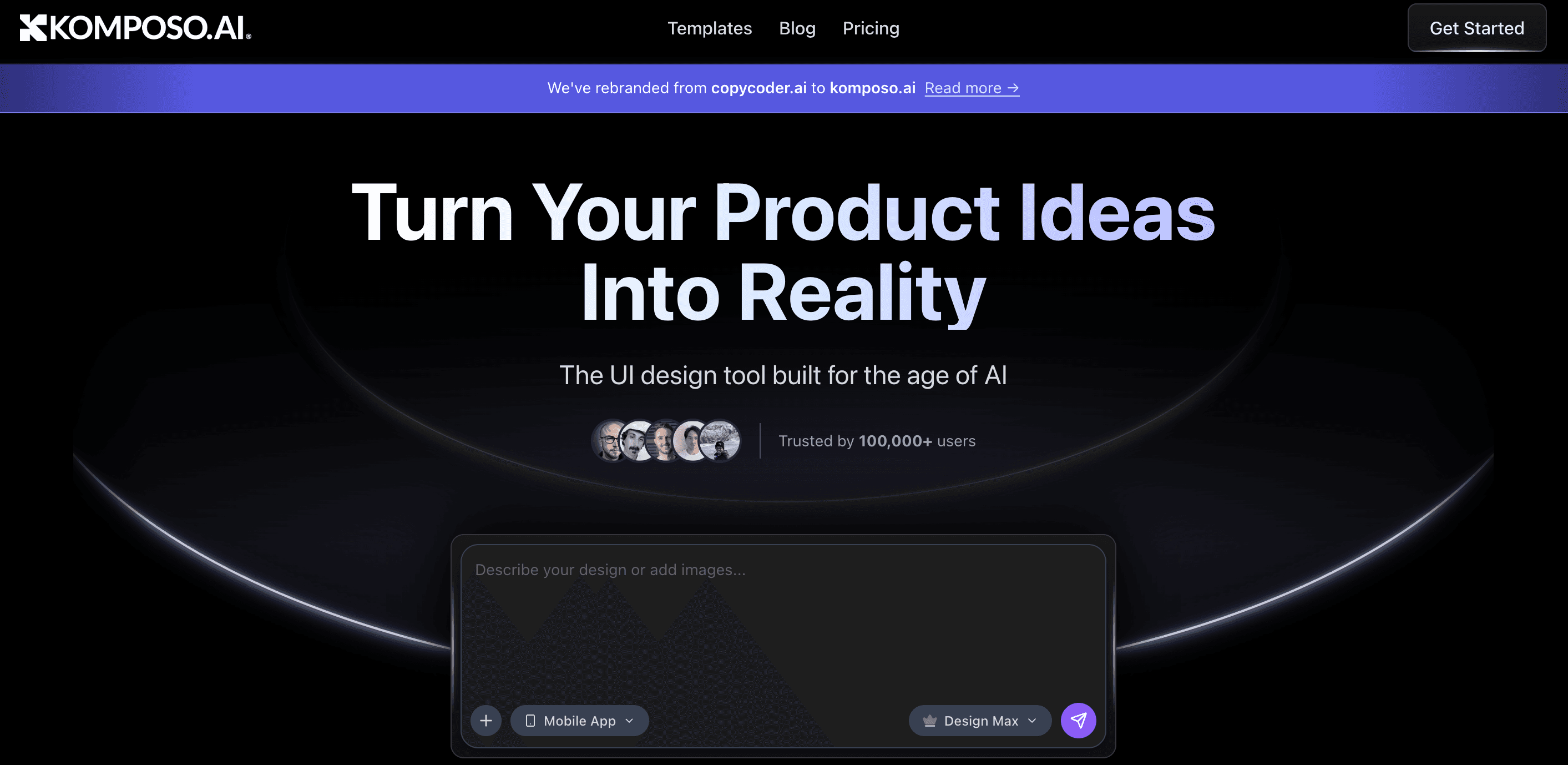
Komposo is an AI design tool that helps you to turn your ideas into real UI designs quickly.
You don’t need advanced design or coding skills to use it. You can start with a text prompt, a sketch, or an existing website layout and then Komposo creates editable screens, prototypes, and even code ready files.
It is built to save time in the product design process. Komposo helps non-designers bring ideas to life and makes it easier for designers and developers to work together.
⭐ Who Can Use Komposo ai?
Komposo ai is a perfect tool for the following categories of people:
-
Product designers and UI/UX creators
-
Startup founders and tech teams
-
Developers who want quick prototypes
-
Non-designers who need UI screens
-
Anyone building web apps or product interfaces
If you want to go from concept to design in minutes without spending hours in design tools this is a helpful tool.
⭐What Makes Komposo ai Unique?
-
Generate UI designs from text prompts or URL references
-
AI-powered features for wireframes, prototypes, and full screens
-
Export directly to code or Figma for development
-
Works quickly without a steep learning curve
-
Allows you to modify designs by using natural language
These features allow designers to spend less time on the tedious manual parts of designing and more time improving their designs.
✅Pros
-
Easy for beginners and non-designers
-
Speeds up interface design work
-
Exportable designs and code
❌Cons
-
Limited credits and features are available in free plan
-
Large and complex design systems may still need manual work.
-
Advanced features are only available at higher levels
⚙️ How Does Komposo ai Work?
Komposo ai uses AI models trained on actual product designs and patterns to facilitate the generation, refinement, and export of UI designs.
Steps:
-
Come up with a concept, text prompt, or use an existing layout
-
Use the AI tool to create the screens, wireframes, or prototypes
-
Adjust the layouts, colors, or sections using natural language edits
-
Save your work in Figma, HTML/CSS code for developers
Instead of several hours, you can turn an idea into usable screens in just a few minutes.
💵Pricing
🆓Free Plan $0
-
10 credits to start
-
Create basic UI designs and screens
💼 Paid Plans (Per Month with Annual Billing)
-
Starter: ~$15/month 75 credits, access to a project, export to code & Figma
-
Pro: ~$39/month 300 credits, unlimited projects, custom themes, priority support
Paid plans increase your credits (design capacity), allow unlimited projects, and give you higher export options.
📝 Summary
Komposo is an AI tool that helps you create UI designs and screen layouts quickly. You can turn your ideas into real interface designs without having any advanced design skills. It allows you to start for free, with paid plans available from around $15 per month. Komposo is useful for designers, developers, and even beginners who want to build clean and professional looking UI designs easily.