

🧠 AI Categories
- AI Graphic Design
- AI Image Generation
- AI Presentation Tools
- AI Content Creation
- AI Video Editing
💰 Pricing Model
Freemium with a free plan and paid plans for higher access to premium templates, AI features, brand tools, and team collaboration options.
❓ What is Canva?
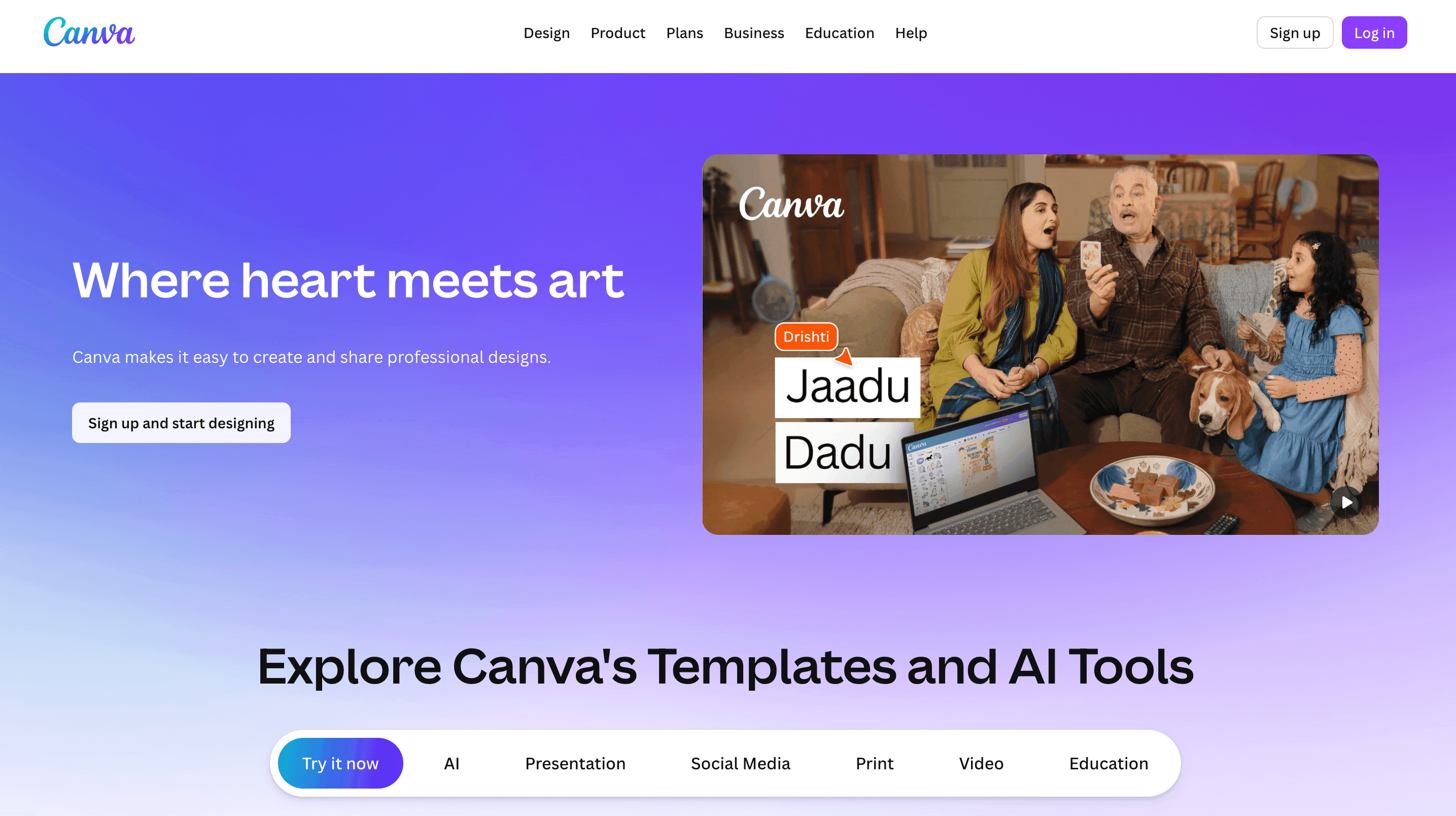
Canva is the popular web- based designing platform that offers the capabilities of professional designers to ordinary people. It provides users with a variety of options in designing graphics, presentations, documents, videos, and marketing materials through a simple drag-and-drop editor.
On top of that, Canva contains AI-driven tools that research the best design, image generation, text writing, background removal, and layout improvements. Such features enable the designing process to be quicker and easier for the use of individuals, groups, and enterprises.
👥 Who Can Use Canva?
Canva might be a great option for:
- Small and medium, sized businesses
- Content creators/influencers
- Marketing and social media teams
- Students and teachers
- Freelancers and startups
- Anybody who requires quick and easy designs
If the purpose of your project is to make visual content without having any designing experience, then Canva may be a good assistant.
⭐ What Makes Canva Unique?
- Simple drag-and-drop design editor
- In-built AI tools for design and content creation
- Extensive collection of templates, photos, and icons
- Suitable for graphics, videos, presentations, and documents
- Cloud-based service that you can use from anywhere
Instead of targeting only professional designers, Canva is a platform for regular users who want to get professional design results super, fast and easily.
✅ Pros
- Really user-friendly, great for beginners as well
- The free plan comes with many features
- AI design tools accelerate the workflow
- Huge collection of templates
- Allows for team collaboration
❌ Cons
- Paid plans are necessary to unlock the full potential of Advanced features
- The level of customization is not sufficient for complex design work
- You need to be online to work on the platform
⚙️ How Does Canva Work?
Canva is a really helpful platform for people to design things step by step.
Here are the steps:
- Register or sign in to Canva
- Choose a template or start with a blank design
- Add text, images, and design elements
- Use AI tools for suggestions, writing, or image creation
- Download or share your final design
Everything created using Canva is saved and stored online, so no need to worry about losing your work.
💵 Pricing
Free Plan
- Access to basic templates and design tools
- Limited AI features
- Suitable for individuals and beginners
Paid Plans
- Canva Pro: premium templates, advanced AI tools, and brand kits
- Canva Teams: collaboration tools for teams and businesses
- Canva Enterprise: advanced security and admin controls
Pricing depends on the plan selected and how much you use it.
📝 Summary
Canva is a fantastic designing platform which is easy to use AI image generator tools. It helps users quickly to produce professional designs without having any designing skills. With free plans and paid options, Canva is perfect for the students, brands, individual creators, and teams who want to design visuals, presentations, and marketing materials in a fast and efficient way.